Controlling a home cinema with Control4, Savant and Lutron
By Adam Zell, Boston Automations | Published | Updated | 7 minute read
The short answer
Which control system is best for a home theater?
Control4 and Savant are both strong whole home platforms that run a theater from one remote or app, while Lutron handles the lighting and shades they command. The right choice usually depends on the rest of the house: what already exists, how the family likes to interact, and who will support it. The theater itself should start with one button and never need a manual.
What a control system does in a theater
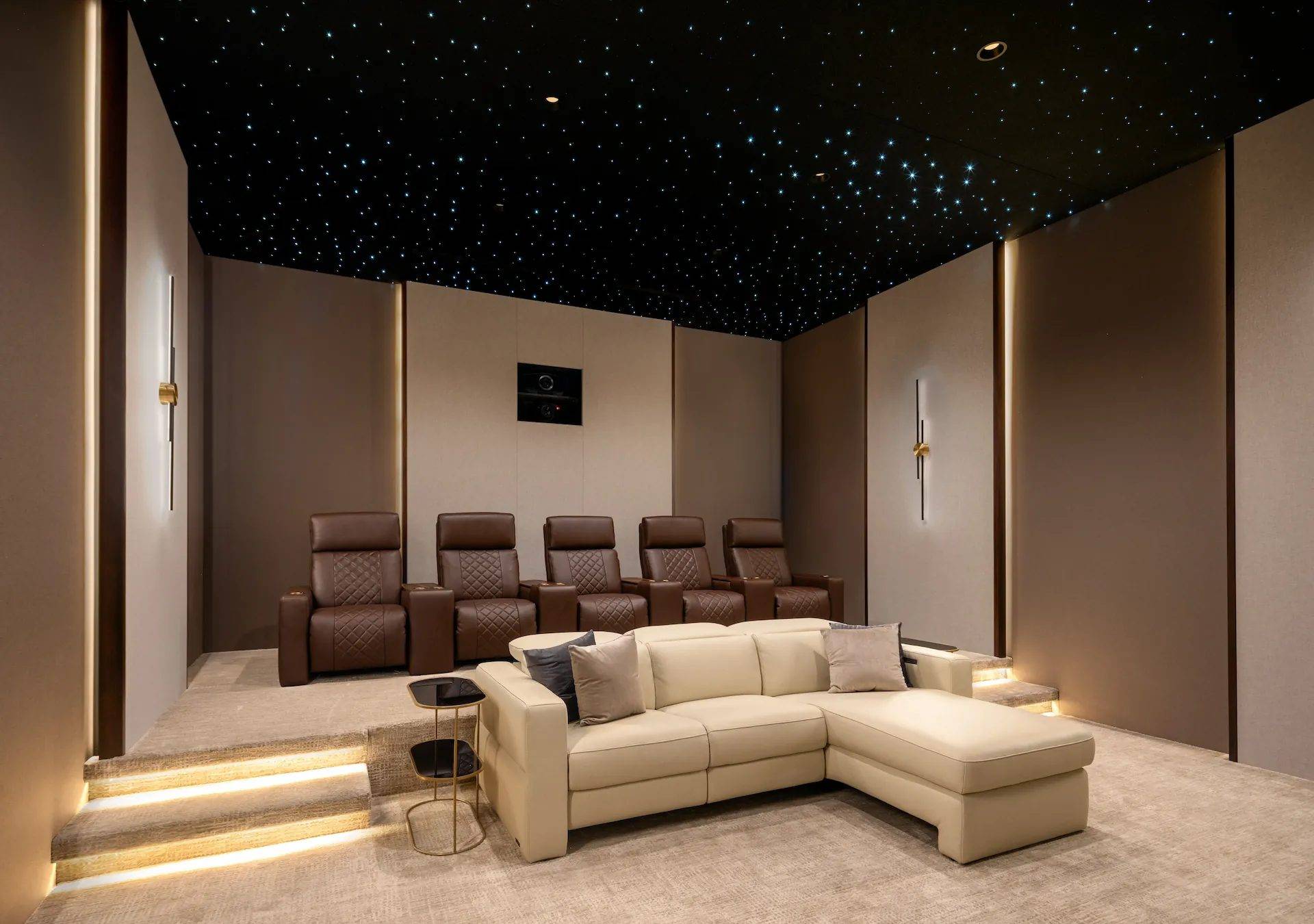
A private cinema has more moving parts than any other room in the house: a projector or display, a screen and its masking, a processor, amplifiers, a movie server, streaming players, cable boxes, lights on several circuits, motorized shades, seats with motors and sometimes curtains. Without a control system, starting a film means half a dozen remotes and a lesson.
The control system turns all of that into a few clear choices. One press of Movie dims the lights, lowers the shades, wakes the projector, selects the source and sets the volume. The guest never needs to know what is happening behind the wall.
Control4, Savant and Lutron
| Platform | Role | Typical strengths |
|---|---|---|
| Control4 | Whole home control of audio, video, lighting, climate and security | Very wide device compatibility, a familiar remote and app, strong dealer tools for remote support |
| Savant | Whole home control with a strong focus on design and the app experience | Polished interface and scenes users can personalize themselves |
| Lutron | Lighting and shading control, from RadioRA 3 to HomeWorks | Dimming quality, keypads, motorized shades, integration with both platforms |
Control4 and Savant play the same role: the brain that coordinates the theater and the rest of the house. Lutron is usually the lighting and shading layer underneath, commanded by either one. A common pairing is Lutron keypads, lighting and shades, with a Control4 or Savant remote and app running the theater.
How to choose
Both whole home platforms can run an excellent theater. The better question is which one suits the house and the family:
- What already exists. If the house already runs on one platform, extending it to the theater is usually the right call.
- How you like to interact. Some families want a physical remote with real buttons. Others live on their phones and want a beautiful app. Try both before you decide.
- The rest of the project. Lighting, shading, climate and security choices across the house influence which platform ties them together best.
- Who supports it. A control system is only as good as the people who program and maintain it. Choose the team as carefully as the brand.
How devices connect to the control system
A scene is only as reliable as the commands behind it. Each device in the rack can be controlled in one of several ways, and the choice is made device by device during design:
- Network (IP). Most modern processors, projectors and movie servers accept commands over the network and report back whether they are on, which input is selected and what the volume is.
- Serial (RS-232). A wired connection used by many projectors, amplifiers and lifts. It is slow by network standards and very dependable.
- Infrared. The same signal a handheld remote sends, delivered by a small emitter. It works, but it is one way, so the system cannot confirm the device obeyed.
- Triggers and contact closures. Simple low voltage signals that drop a screen, open masking or start a fan.
Two way control is worth asking for wherever it is offered. When the system knows the projector is already warming up, it does not send a second command that turns it off again. We advise against relying on HDMI CEC for core functions, since its behavior varies between manufacturers and can switch inputs or power devices unexpectedly.
Theater scenes
Scenes are where control earns its place. A typical theater has a handful:
- Welcome. Lights to a warm level, star ceiling on, music softly playing, screen masking set.
- Movie. Lights fade slowly to step lights only, shades close, projector and source on.
- Pause. When the film is paused, lights rise to a low level so people can find their drinks.
- Game. Brighter lights, the sports source on, and the display set for low latency.
- Clean. Full light for housekeeping.
- Off. Everything shuts down in the right order, and seats return upright.
Our guide to theater lighting design explains how the light layers are planned for these scenes.
Remotes, keypads and apps
In the theater, a good physical remote is still the best tool. It can be used in the dark without looking, and the important buttons are always in the same place. A wall keypad by the door handles Welcome and Off. The app is for everything else: choosing a film from a cover art menu, adjusting a single light, or checking the system from another room.
Look for backlit buttons, since they make a remote usable in a dark room. The Control4 Halo remote, for example, has backlit buttons and a voice button that works with Siri when an Apple TV is the selected source.
For families, we keep the guest view simple and hide the advanced settings. Our family theater guide covers volume limits and rating controls.
Remote monitoring and support
Modern control platforms and the network equipment around them can report status, restart a device that has locked up, and alert the integrator when something goes offline. With the owner's permission, many problems can be diagnosed and solved without a visit.
That matters most in second homes. A lake house, a ski house or a beach house sits empty for weeks, and remote monitoring finds problems before the family arrives. See our guides to the lake house and the beach house.
Common mistakes
- Too many buttons. If guests need instructions, the design has failed.
- Relying on the internet for basic functions that should run locally.
- No battery backup for the control processor and network, so an outage leaves the system confused.
- Lighting chosen without dimming quality in mind, which shows as flicker or uneven fades in a dark room.
- No plan for updates and support after the installer leaves.
We recommend planning control alongside the screen and sound from the first drawings, not after. See the technology page for how it fits with picture and sound, or ask us which platform suits your home.
More questions
Can the theater work if the internet is down?
It should. A properly designed system runs the theater from a local processor, so lights, shades, switching and volume all work without the internet. Only streaming apps, cloud features and remote access depend on the connection.
Can I use voice control in the theater?
Usually, yes. Whole home platforms can be connected to popular voice assistants, so a phrase can start a scene. Most owners use voice for simple commands and keep a physical remote for the film itself.
Do I need Lutron if I have Control4 or Savant?
Not always, since both platforms offer their own lighting products. Many luxury homes still choose Lutron for lighting and shades because of its range of dimmers, keypads and shading, then integrate it with Control4 or Savant.