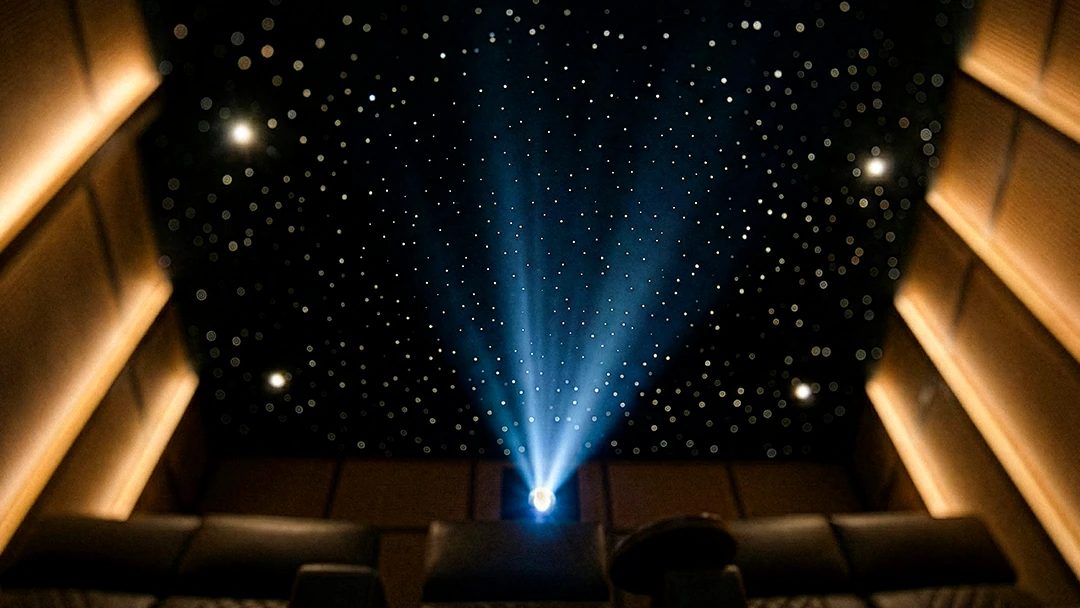
The film, played back the way it was mastered
A projector can only show what it is given. Kaleidescape delivers the film at reference quality, and a madVR Envy shapes it for your exact screen and room.
The short answer
What do Kaleidescape and madVR Envy add to a home theater?
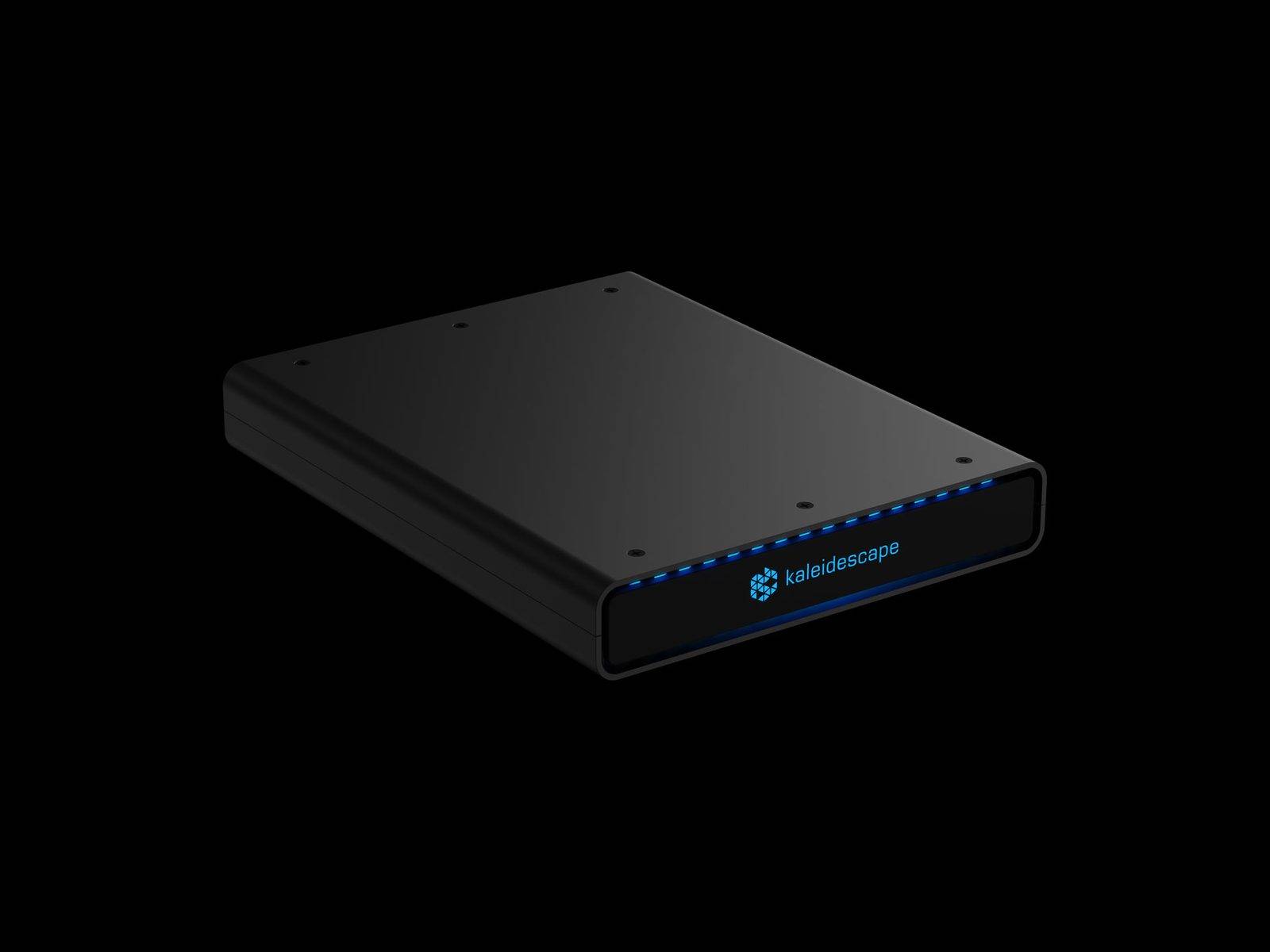
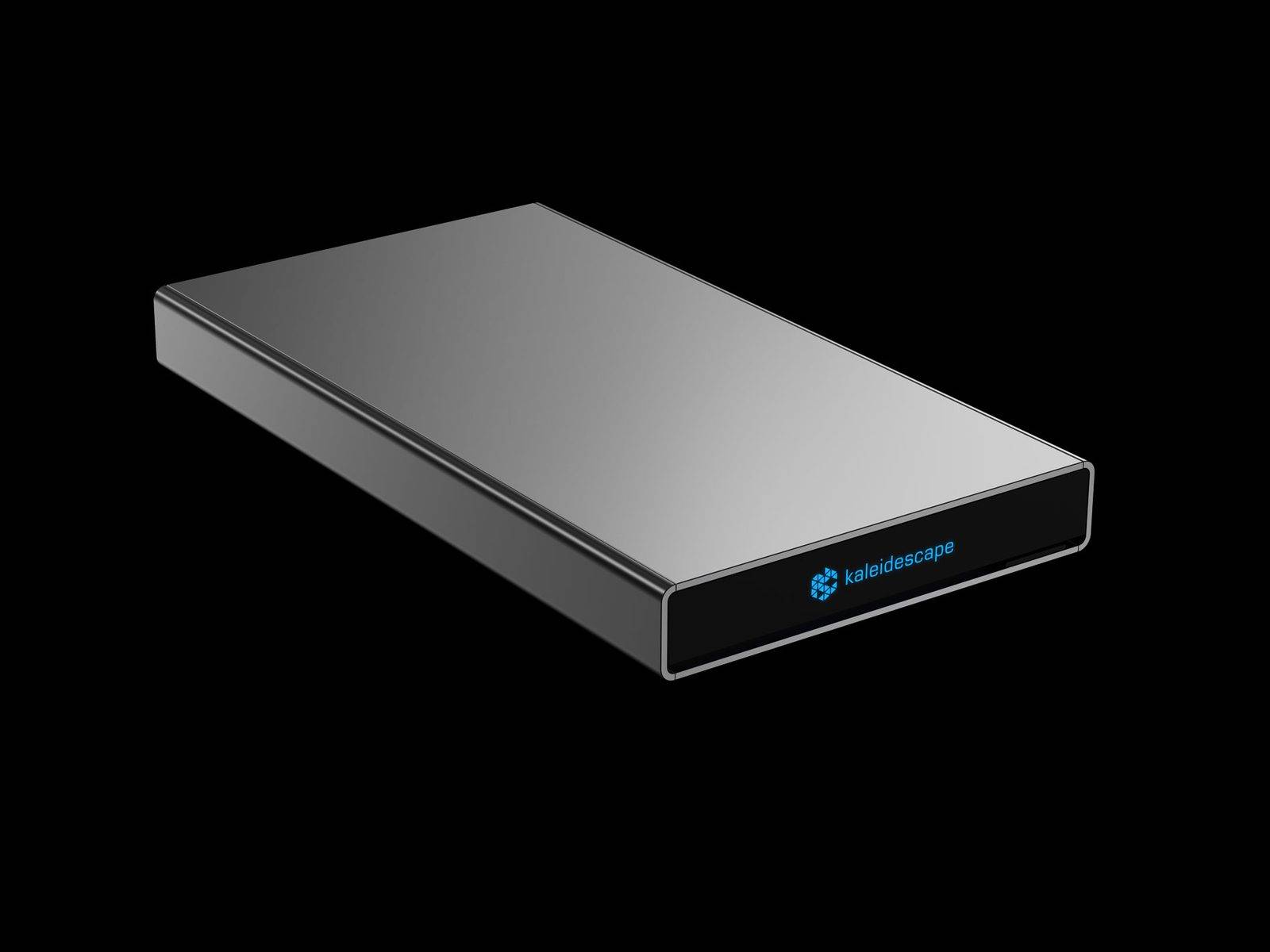
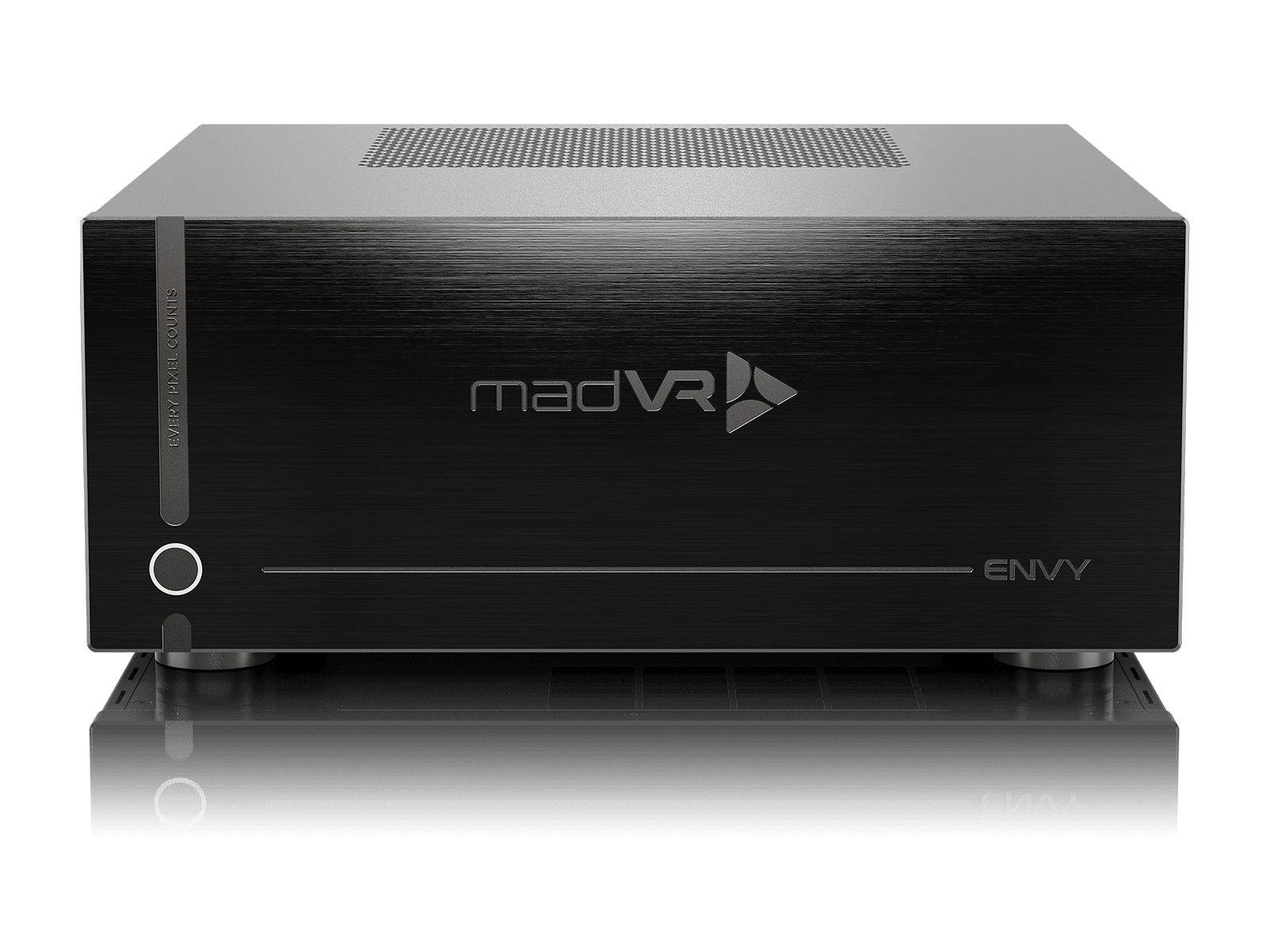
Kaleidescape is a movie player and server that downloads films at far higher quality than streaming, with lossless Dolby Atmos and DTS:X soundtracks, and plays them instantly from local storage. A madVR Envy is a video processor that sits before the projector and tone maps HDR frame by frame, upscales, and handles aspect ratios, so a projected image looks its best in your room.
Most of the money in a private cinema goes into the room, the projector, the screen and the speakers. Then the film itself often arrives through a streaming app, compressed to fit a home internet connection. The weakest link in the chain sets the ceiling for everything after it.
Kaleidescape fixes the source. Films download from the Kaleidescape Store to storage in your home and play from there, with no buffering and lossless audio that matches the studio master. madVR Envy fixes the hand-off to the projector. It reads every frame and adapts high dynamic range video to what your projector and screen can actually show.
We design both into the system from the start, with the control system, masking, lighting and calibration. The goal is simple. You press play and the film looks and sounds the way the people who made it intended, every time.
The brands we specify
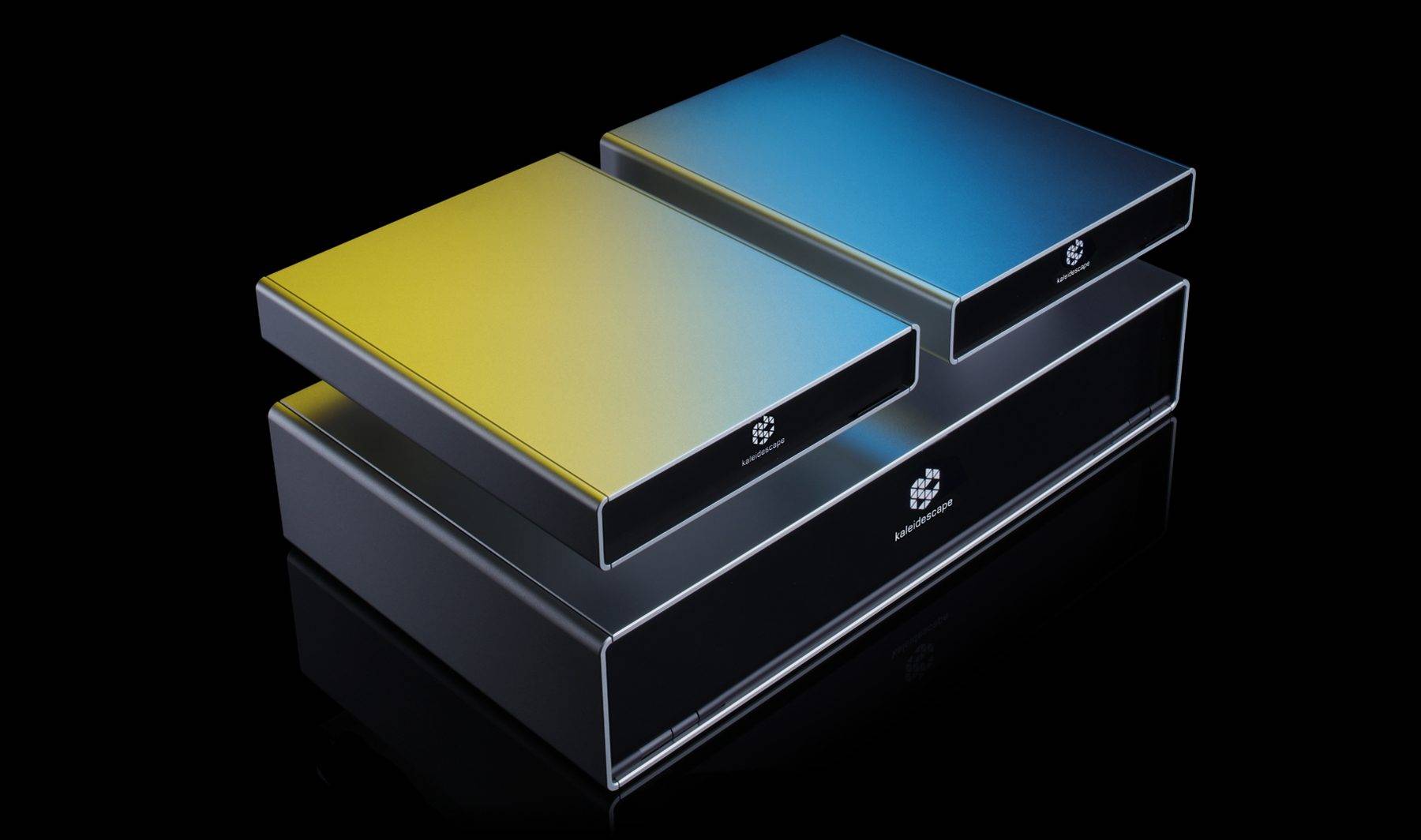
Kaleidescape and madVR from the makers we trust
We are an authorized dealer for every manufacturer on this page.
Films from the makers
Kaleidescape and madVR on film
Films made by the manufacturers we install. Press play and they run right here on the page.
Kaleidescape | March 2023
The Kaleidescape movie platform
Kaleidescape's own introduction: lossless audio, reference quality picture and a library of films you own.
Film by Kaleidescape. It plays here on the page.
Why streaming is not reference quality
Streaming services have to deliver 4K video over ordinary internet connections to millions of homes at once. To do that they compress the picture heavily and adjust quality on the fly when the network slows. On a 65 inch TV across a living room that is often fine. On a 150 inch screen, banding in skies, smearing in dark scenes and soft detail become easy to see.
Sound is the bigger gap. Streaming services generally carry Dolby Atmos inside Dolby Digital Plus, a lossy format. Kaleidescape delivers a bit for bit copy of the studio master audio in lossless formats up to Dolby Atmos and DTS:X, the same soundtracks found on Ultra HD Blu-ray.
How Kaleidescape works day to day
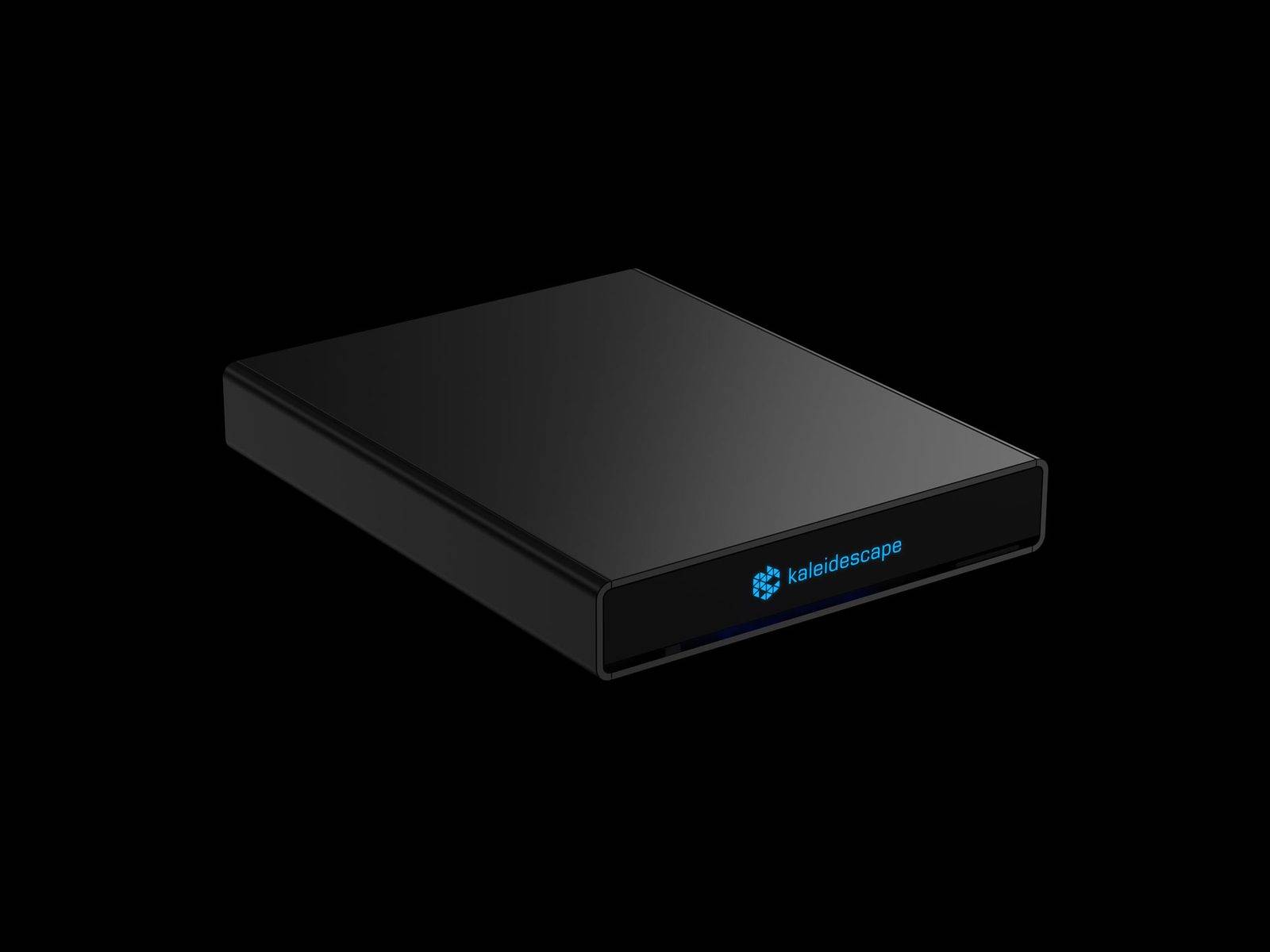
You browse your library on the big screen as cover art, choose a film and it starts. There are no discs, no updates nagging before the film, and no waiting for a stream to sharpen up. New films are bought from the Kaleidescape Store and download to the storage in your system, either inside the player or on a Terra server.
Because Kaleidescape measures the aspect ratio of every title, the player can tell the control system what is coming. Masking moves, lights dim and the room is ready before the opening frame.
What a video processor does
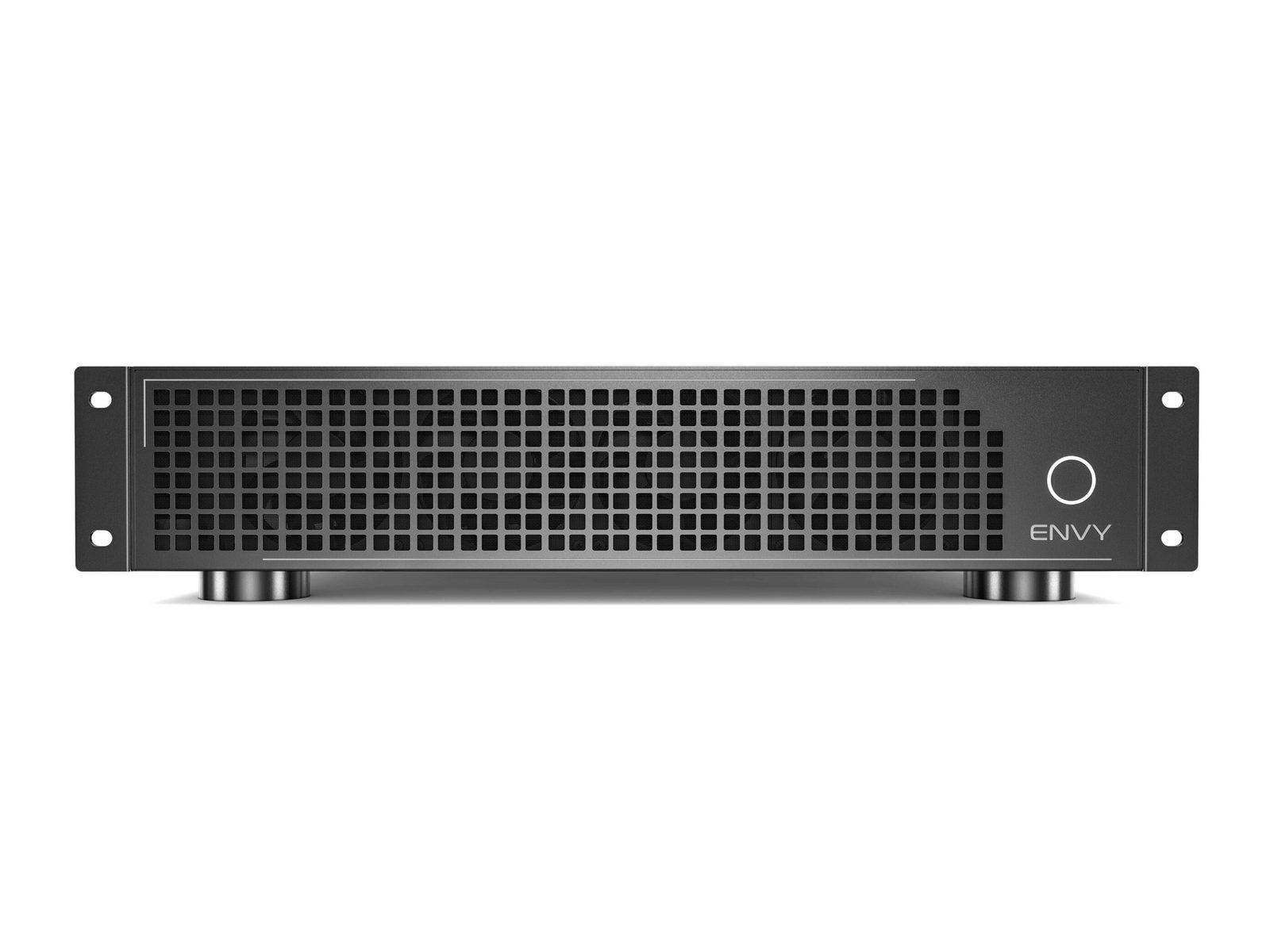
A dedicated video processor sits between your sources and the display. It takes in whatever arrives, whether 4K HDR from Kaleidescape, an HD broadcast or a game, and converts it into the best possible signal for your particular projector and screen.
- HDR tone mapping, frame by frame, matched to your projector's measured brightness
- AI upscaling of HD and lower resolution sources
- Aspect ratio detection, so the image fills a scope screen correctly
- Calibration support with 1D and 3D LUTs from Calman and ColourSpace
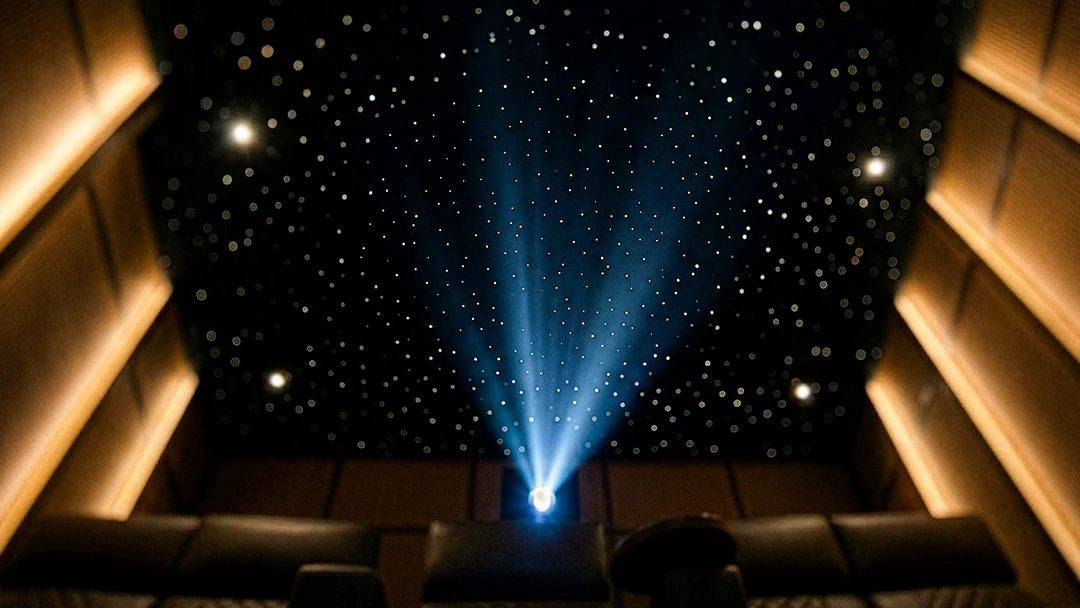
HDR tone mapping for projectors
HDR films are mastered for displays far brighter than any home projector. Something has to decide how to fit those highlights into the brightness available. Projectors do this with a fixed curve, which tends to make some films too dark and others washed out.
madVR Envy analyzes each frame and builds a new curve for it, so a sunlit desert keeps its highlights and a candlelit interior keeps its shadow detail. On a projected image this is the single most visible improvement a processor makes.
Constant image height and masking
Many private cinemas use a wide 2.35 or 2.40 screen so most feature films fill it edge to edge. That is called constant image height: every format shares the same height, and wider films get wider. It needs the projector to zoom or an anamorphic lens, and motorized masking makes each format look framed and finished.
Kaleidescape provides aspect ratio information for its downloads, and the Envy can detect aspect ratio changes in the picture itself. Together with the control system they let the room reframe itself automatically.
One system for every room
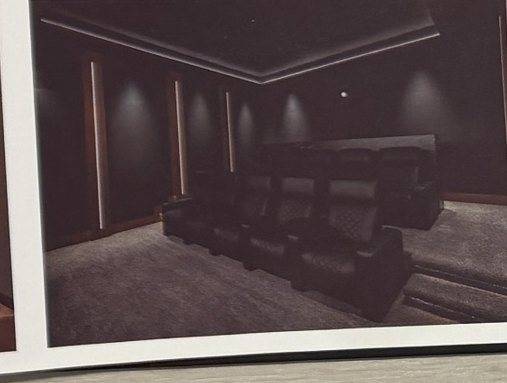
Kaleidescape scales from one player in a media room to a whole house library. A Terra Prime server holds the collection, and players in the theater, family room, primary suite or pool house all draw from it at the same time. Each room can have the player it needs, while the films are bought once and stored once.
Streaming and a projector alone compared with Kaleidescape and madVR Envy
| Streaming and a projector alone | Kaleidescape and madVR Envy | |
|---|---|---|
| Video source | Compressed stream that changes with network speed | Downloaded file played from local storage |
| Soundtrack | Usually lossy Dolby Digital Plus | Lossless Dolby Atmos or DTS:X, bit for bit with the studio master |
| Start of playback | Buffering, app updates, ads in some services | Instant, from storage in your home |
| HDR on a projector | Fixed tone curve inside the projector | Tone mapping rebuilt for every frame |
| HD and older films | Projector's built-in scaling | AI upscaling in the Envy |
| Scope screens and masking | Manual changes or none | Aspect ratio cues drive masking and lens memory |
| Internet outage | Nothing to watch | Your library still plays |
Featured products
Flagships we design rooms around
Guides
Kaleidescape and madVR questions, answered
Kaleidescape and madVR questions
Do I need both Kaleidescape and a madVR Envy?
No. They solve different problems. Kaleidescape improves the source, and it helps any display. A madVR Envy improves how HDR and lower resolution video look on a projector. Many cinemas start with Kaleidescape and add an Envy when the projector and screen justify it.
Can I still use Netflix, Apple TV and other apps?
Yes. We add a streaming device alongside Kaleidescape for services and live sports. The control system switches between them, and the Envy processes every source that passes through it.
Does Kaleidescape work with a TV, or only a projector?
It works with any display that accepts HDMI, including large format TVs and LED walls. The quality of the source and the lossless audio benefit every room, not only projection cinemas.
Is a madVR Envy useful with a TV?
Usually less so. Modern flagship TVs are bright enough to show most HDR films with little tone mapping. The Envy earns its place with projectors, where brightness is limited and every frame needs careful handling.
What happens if the internet goes down?
Films already downloaded to your Kaleidescape system keep playing because they are stored in the house. You only need the connection to buy and download new titles.
Where does the equipment go?
Players are small and can sit in a cabinet or an equipment rack. Terra servers and Envy processors live in a ventilated rack, usually in an equipment room near the theater. We plan the space, power and cooling during design.
Who sets up the tone mapping and calibration?
We do. After the projector and screen are installed, we measure them, set the Envy to the real brightness of the image, calibrate color and test the aspect ratio and masking presets with real films.
Keep exploring
A conversation about your theater
Tell us about the room, the way your family watches, and the feeling you want when the lights go down. We will bring CinemaTech's design team, our engineers and a plan.
Or call us at (781) 333-8003