Designing a home theater for sports
By Adam Zell, Boston Automations | Published | Updated | 7 minute read
The short answer
How do you set up a home theater to watch several games at once?
There are three ways. A large video wall or TV can show a main game with smaller windows beside it, using a video processor or the multiview feature of a streaming service. Extra displays can flank the main screen. Or a matrix switcher can send any source to any screen. Sports rooms also need brighter displays than a film theater and seating built for a crowd.
How a sports room differs from a cinema
A film is watched in the dark, in silence, by people facing one screen. A game is watched with the lights up, by a crowd that talks, moves, gets up for food and wants to see the other games too. A room designed only for films will frustrate a sports fan, and the reverse is also true.
A good sports room, or a theater designed to do both, plans for brightness, multiple sources, a lively social layout and a system that switches between modes with one button.
Ways to show several games
| Approach | How it works | Best for |
|---|---|---|
| Multiview from the service | A streaming service combines several games into one picture | Simple setups and NFL Sundays |
| Video wall with windows | A processor places several sources on one large LED wall | A single dramatic display that can show one or many |
| Main screen plus side screens | Separate displays flank the main image | Rooms with wall space on either side |
| Whole home distribution | A matrix sends any source to any display | Homes where the bar, theater and game room each show a game |
Multiview from a streaming service is the easiest start. YouTube TV, for example, lets NFL Sunday Ticket subscribers watch up to four games at once on one screen. The limit is that the layout and the choice of games depend on what the service offers.
For full control, each game comes from its own source and the system arranges them. A video wall is ideal for this, because one seamless LED canvas can show a single game at full size and then split into a main window with smaller games beside it.
Choosing the display
Brightness comes first. Sports rooms are watched with lights on and shades often open, so the display should be a large TV or a direct view LED wall rather than a projector, unless the room is fully dark. Our large format TV page covers models from 98 inches up.
Viewing angles matter too. A sports crowd spreads out across sofas, bar stools and a standing area at the back, so many people sit well off center. Displays that keep their color and contrast at wide angles serve the whole room. Motion handling matters for fast pans across a field or rink.
Glare is the other daytime problem. A window opposite the screen puts a bright reflection right over the action, and a glossy screen makes it worse. Place the display on a wall that faces away from the largest windows where you can, and plan motorized shades that close part way for an afternoon game without turning the room into a cave. Lighting should wash the walls and the bar rather than shine toward the screen.
Sources, switching and latency
Every game you want to show at once needs its own source: a streaming player, a cable or satellite box, or an over the air tuner for local broadcasts. Four games means four sources, each with its own subscription login.
Those sources then run through a video switcher or matrix to the displays. Two details matter. First, every source should pass through the same path, so one game is not a few seconds ahead of another. Delays still vary between services, and friends texting about a goal you have not seen yet is part of modern sports. Second, if the room is also used for gaming, the switching has to pass HDMI 2.1 features. Our gaming guide covers that.
Sound for a crowd
Game sound is mostly crowd, commentary and impact. The center channel carries the announcers and needs to stay clear when the room is loud. Surround and height speakers place you in the stadium, and good subwoofers add weight to a hit or a slap shot.
The room itself shapes how a crowd sounds. Hard floors, glass and a stone bar make a full room loud, and people raise their voices to be heard over each other and the game. Acoustic treatment on the walls and ceiling, a rug and upholstered seating keep the noise from building, so the commentary stays clear without turning the system up.
With several games on screen, only one should play audio in the room, chosen with one button. The others can stay muted or go to a second zone, such as the bar. Our home theater audio page covers the speakers and processors we design with.
Seating and layout
Sports rooms are social. People want to see each other as well as the screen. Consider:
- A front row of deep sofas or recliners for the serious fans
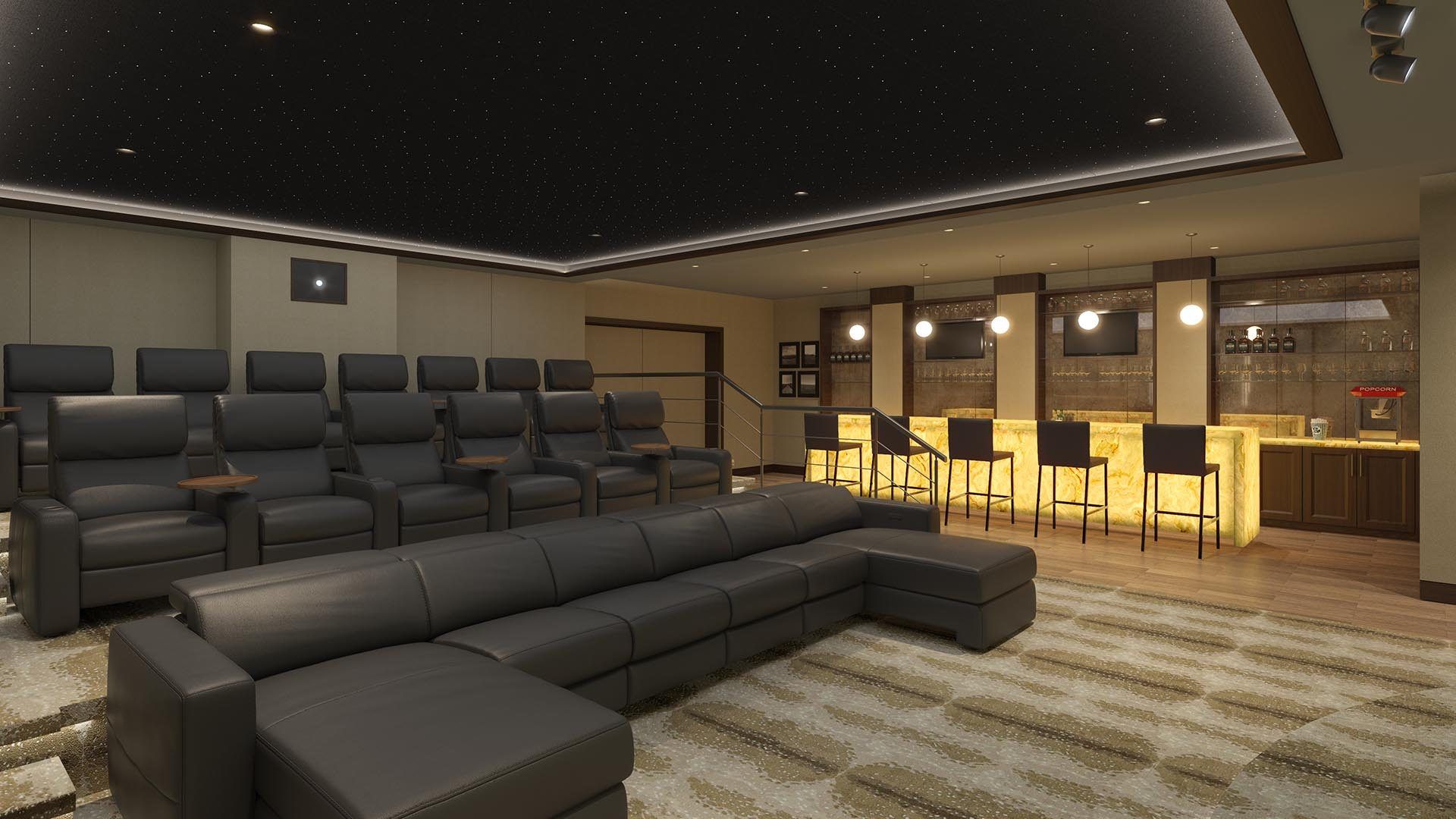
- A rear bar or counter with stools, high enough to see over the front row
- Tables within reach of every seat for food and drinks
- Clear paths to the kitchen and restrooms so people can move during play
- Durable upholstery that tolerates wings, beer and the occasional celebration
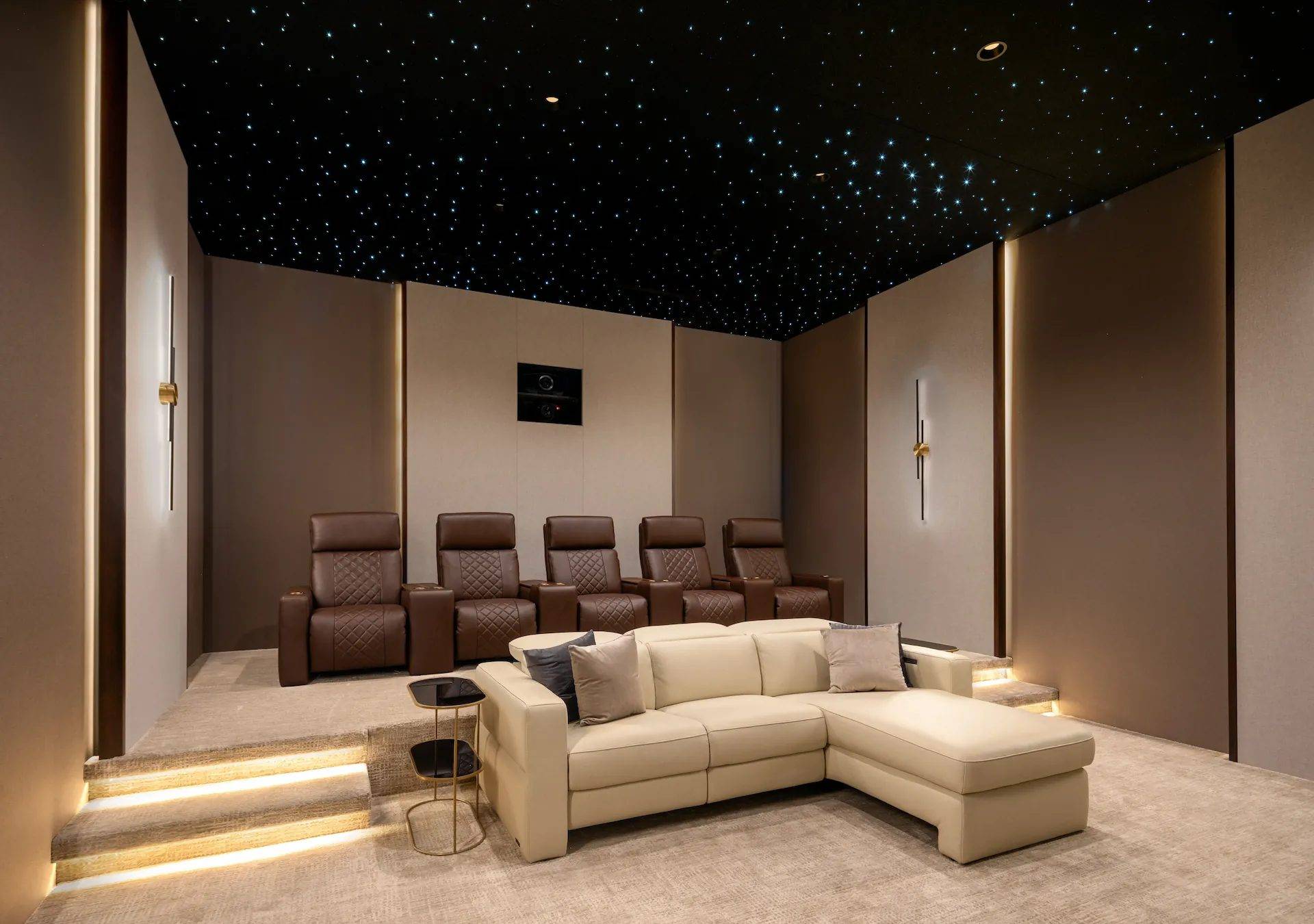
A bar riser at the back gives the same sightline benefit as a cinema riser and turns the back row into a gathering place. Our bar and cinema suite guide covers the bar side.
Control on game day
Game day should start with one button. A Game scene raises the lights to a comfortable level, sets the shades, turns on the displays and tunes the sources. A second press moves to Multiview. A Movie scene darkens everything for the evening film.
Guests should be able to change the game without asking the host. A simple remote or a tablet showing the games as tiles makes that easy. Our guide to Control4, Savant and Lutron explains how scenes are built. When you are ready to plan, talk with us about how your family watches.
More questions
Can a projector work for daytime sports?
Only in a room that can be made truly dark. Afternoon games in a room with windows are much better on a large TV or direct view LED display, which stays bright and punchy with the lights on.
How many displays does a sports room need?
Most owners are happiest with one large main display and one or two secondary screens, or a single large video wall that can split into windows. More screens than that tends to look busy and divides attention.
Can different rooms watch different games?
Yes. With a video distribution system, any source can be sent to any display in the house, so the theater can show one game while the bar and the game room show others.