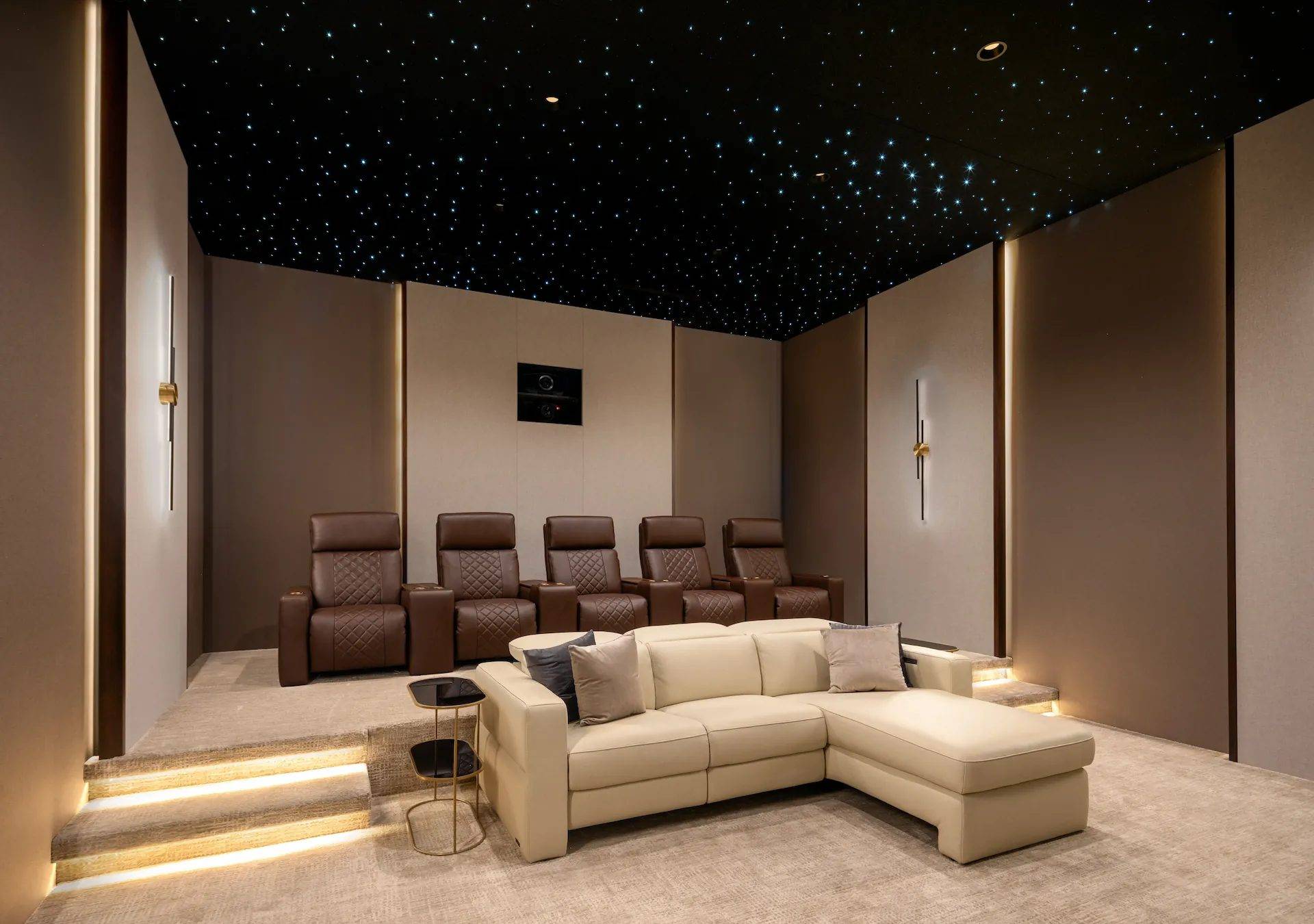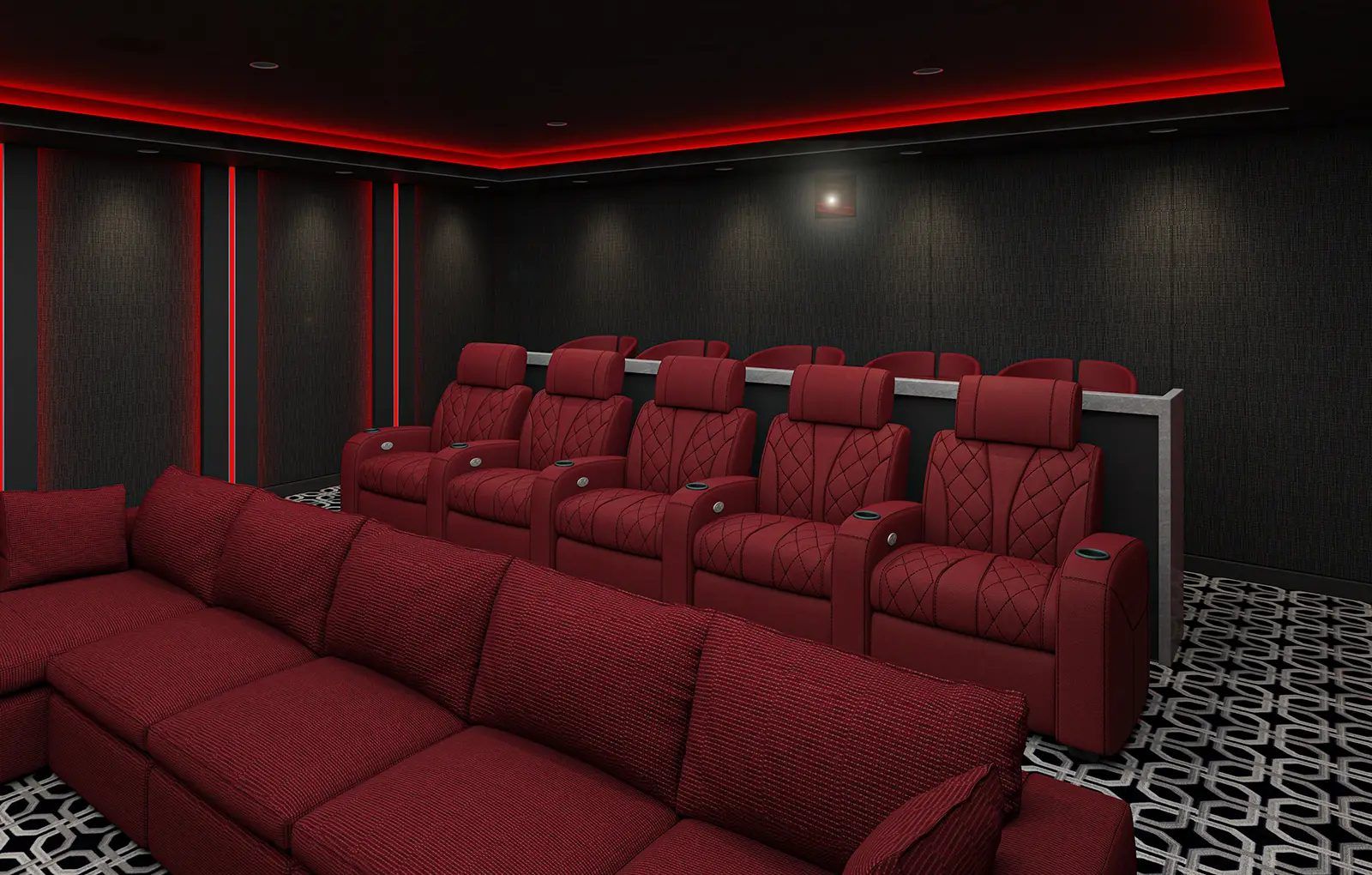
Gaming in a luxury home theater
By Adam Zell, Boston Automations | Published | Updated | 6 minute read
The short answer
Is a home theater good for video games?
It can be excellent if it is designed for it. The display needs low input lag and HDMI 2.1 features like 4K at 120 Hz and variable refresh rate, and the signal path through the processor or switcher must pass them. Some projectors and most large TVs now offer game modes with low lag, so the choice of display and the HDMI routing decide the result.
Why theaters and games do not always agree
A private cinema is built for films: 24 frames per second, carefully graded color, and video processing that can take its time to make every frame look perfect. Games are different. A game is interactive, so every millisecond between pressing a button and seeing the result matters, and modern consoles can run at 120 frames per second with a frame rate that changes from moment to moment.
The good news is that one room can do both very well. It takes a display with a proper game mode, a signal path that passes the right HDMI features, and a control system that switches modes automatically.
The terms that matter
| Term | What it means | Why it matters |
|---|---|---|
| Input lag | Delay between the signal arriving and the image appearing | Lower lag makes controls feel immediate |
| 4K at 120 Hz | 4K resolution at up to 120 frames per second | Smoother motion in games that support it |
| VRR | Variable refresh rate; the display follows the console's frame rate | Reduces tearing and stutter when frame rates vary |
| ALLM | Auto Low Latency Mode | The display switches to game mode by itself when a console starts |
| HDMI 2.1 | The HDMI version that carries these features, up to 48 Gbps | Every device in the path has to support the features you want |
One caution: a port labeled HDMI 2.1 does not guarantee every feature. VRR, ALLM and full bandwidth are each optional, so check the specifications of each product rather than relying on the label.
Projector, TV or LED wall?
Large TVs are usually the easiest route to great gaming. Current premium models generally support 4K at 120 Hz, VRR and ALLM with low lag, and they are bright enough for daytime play. Our large format TV page covers Sony and Samsung models from 98 inches up.
Projectors vary widely. Some recent home cinema models are strong for games. Sony publishes input lag figures for its BRAVIA Projector 8 of 12 milliseconds at 4K 120 Hz and 21 milliseconds at 4K 60 Hz with its low latency setting on, and it has HDMI 2.1 inputs. Many other projectors add more delay or do not accept 120 Hz. A projector is a beautiful way to play a cinematic single player game in a dark room.
Direct view LED walls are bright and very large. Their gaming performance depends on the processor that drives them, so confirm latency and refresh support for the specific system. See our video wall page.
The signal path
In a typical theater, a console does not plug straight into the display. It runs through a processor, a video switcher or an external video processor, and then over a long cable to the projector or screen. Every link in that chain has to pass the features you want.
- Processor and switcher. Confirm they pass 4K at 120 Hz and VRR, or route the console directly to the display and send audio back to the processor over eARC.
- Video processing. External processors that improve films can add delay. A Game scene can bypass them.
- Cables. Long runs at full HDMI 2.1 bandwidth need certified Ultra High Speed or active optical cables. Test each run at full bandwidth before the walls close.
The control system ties it together. Pressing Game routes the console the fastest way, switches the display to game mode, and sets the lights. Pressing Movie restores the full film path.
Sound for games
Many modern games are mixed in surround, and some support Dolby Atmos, so a theater sound system is a real advantage: you can hear where footsteps and engines are coming from. Some players prefer a slightly different level and bass setting for long sessions, which can be saved as its own preset in the processor. Our Dolby Atmos layout guide explains speaker placement.
Seating, comfort and cables
Gaming sessions run long. Seats need good lumbar support and a comfortable upright position, not just a deep recline. A front row seat with a small table, a charging point for controllers and a clean way to plug in a headset makes a real difference.
Plan where consoles live. Some owners keep them in the equipment room with wireless controllers. Others want them in a cabinet in the theater for easy disc changes. Either works if ventilation and the HDMI path are planned. Our seating guide covers comfort and motion.
The network for online play
Online games care about a steady connection more than raw speed. A wired Ethernet port at each console location is the single most useful thing to plan, because Wi-Fi in a room lined with acoustic treatment and wrapped in isolation can be weaker than anywhere else in the house. If consoles live in the equipment room, they are already beside the network switch.
Game downloads and updates are large, so a console left to update overnight avoids a wait on game night. Wireless controllers also need a clear path. If the consoles sit behind a closed rack door or in another room, test controller range from the back row before the room is finished, and plan a small receiver or a cabinet with a vented door if the signal drops.
PC gaming and racing simulators
A gaming PC can drive a theater display at high frame rates, but it needs a clean HDMI path, a place to live with good airflow, and a keyboard and mouse surface near the seats. Racing and flight simulators bring cockpits, wheels and sometimes motion platforms, which need floor space and power. Like a golf simulator, they often work best in an adjoining room. See our guide to combining a theater with a simulator and game room, or tell us what you play.
More questions
What input lag is good for gaming?
Lower is better, and most serious players notice anything that feels sluggish. Many current TVs and some projectors measure in the low tens of milliseconds or better in game mode, which feels responsive. Check published measurements and the display's game mode specifications.
Does a home theater processor add lag to games?
Passing video through a processor or switcher should add very little, but it must support the same HDMI features as the console and display. If it does not, 4K at 120 Hz or variable refresh rate may not work at all.